
Bring preparation and design together.
Start with the preparation model and a supplied target design. Build and refine a temporary restoration model, then export the STL for the next step in your fabrication workflow.
SHELLGEN BETA 7.0 / PRIVATE BETA
Build digital temporary restoration models from a preparation model and a supplied target design. One focused workspace for registration, construction and finishing.
Sign in or request beta access.
FROM DESIGN TO TEMPORARY RESTORATION
ShellGen brings the preparation and desired outcome into a temporary-restoration workflow, with construction and finishing in the same workspace.
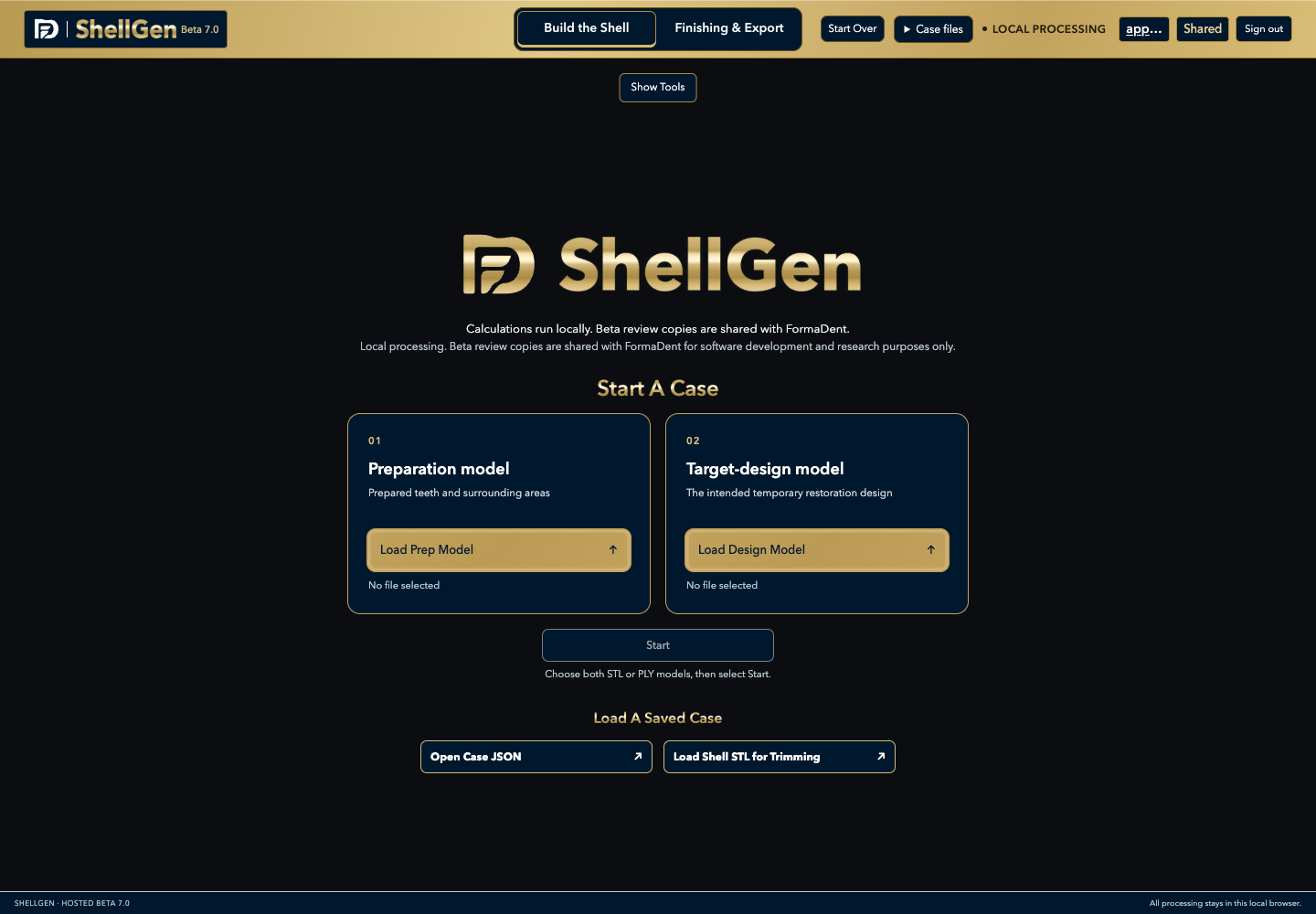
Choose STL or PLY files, or drop each model anywhere in its preparation or target-design box. Register the models into a common coordinate system, or review models already registered when supplied.
Preparation + target designClose the capture perimeter to show the capture volume with the smile design at full opacity. Use the highlighted capture-volume opacity slider to review coverage, then check cement gap and minimum thickness before building.
One construction workspaceUse Trim, Add, Smooth and Reduce to refine the temporary restoration mesh. Inspect the result, export the STL and save the complete case to continue your work later.
Trim · Add · Smooth · ReduceIN THE PRACTICE. IN THE LAB.
Start with the preparation model and a supplied target design. Build and refine a temporary restoration model, then export the STL for the next step in your fabrication workflow.
Use your completed target design with the preparation model. Review registration, define the capture perimeter and finish the resulting temporary restoration mesh in a dedicated workspace.
ShellGen’s focus is temporary dental restorations on prepared teeth. For a Trial Smile over unprepared teeth, explore SmileShell.
LOCAL PROCESSING AND BETA REVIEW
Registration, construction and Finishing run on your computer. During the hosted beta, completed case and STL copies are uploaded to FormaDent for software development and research purposes only. Complete cases include source scans, metadata, settings and finishing history. The beta sharing notice appears before you enter the workspace.
Export the temporary restoration STL for your next step. Download a complete case to keep the source models, capture perimeter, settings and finishing edits together. Browser recovery remains local; the separate beta review copy is available in your feedback account. If an upload fails, you receive one retry choice and can then continue with your local work without further warnings for that copy.
A FEW USEFUL DETAILS
You supply the preparation model and the target-design model, such as a completed digital wax-up. ShellGen uses these models to build the temporary restoration; the desired tooth shapes come from your supplied design.
ShellGen focuses on temporary restorations on prepared teeth. SmileShell is a separate FormaDent product for Trial Smiles over unprepared natural teeth.
Refine the temporary restoration mesh with Trim, Add, Smooth and Reduce in Finishing. Use Undo and Redo to review changes, inspect the result and export the temporary restoration STL. Save a complete case to retain the models and editing context.
Open a complete saved case to continue your workflow. You can also load a shell STL for trimming; use the complete case when you need the original models and fitting-surface reference for the other finishing tools.
Open the ShellGen account page to sign in or create an account and request beta access. ShellGen is currently in private beta, and access requires approval.
SHELLGEN BETA 7.0